Colony Flow Level 148 Walkthrough Solution & Guides | How to solve Colony Flow 148

Guide By Liam Stone
Updated on July 11, 2026
Rather watch than read? The video above walks through Level 148 step by step.
Video doesn't match your screen?
Game updates frequently scramble layouts! Try our AI Screenshot Solver first to find your exact board instantly, or report broken guides to our team.
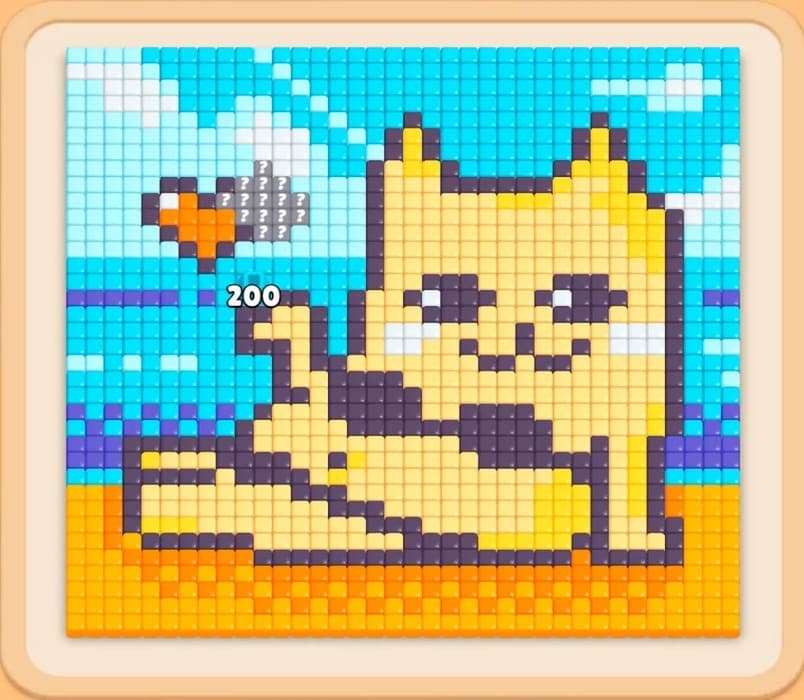
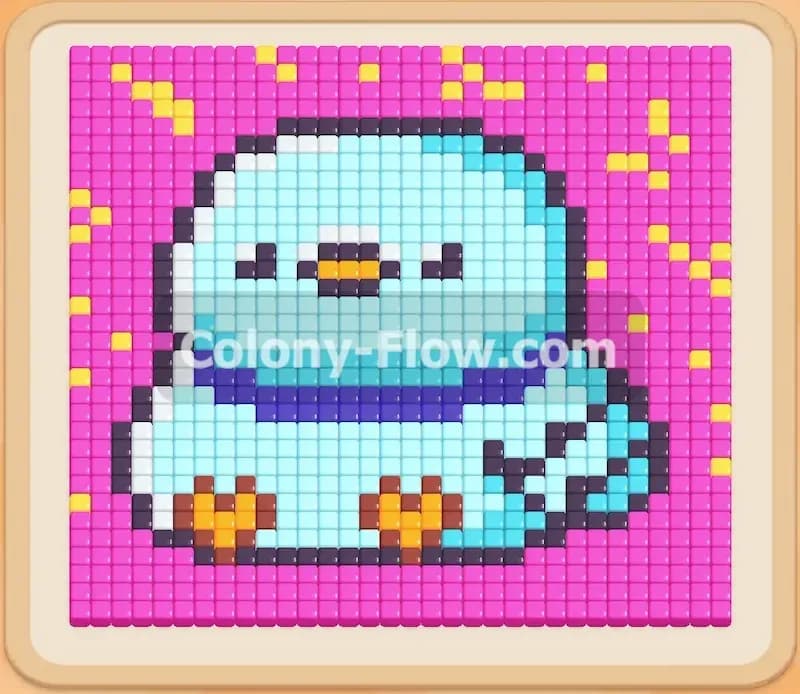
Welcome to Colony Flow Level 148. This level features a cheerful character surrounded by a large blue background and floating yellow details. The picture looks like a classic pixel art portrait. You need to carefully manage your tray to avoid filling the five waiting slots while slowly carving away the exterior to reach the center. I will walk you through exactly how to clear this board without getting stuck.
Colony Flow Level 148 Overview
What You Are Working With
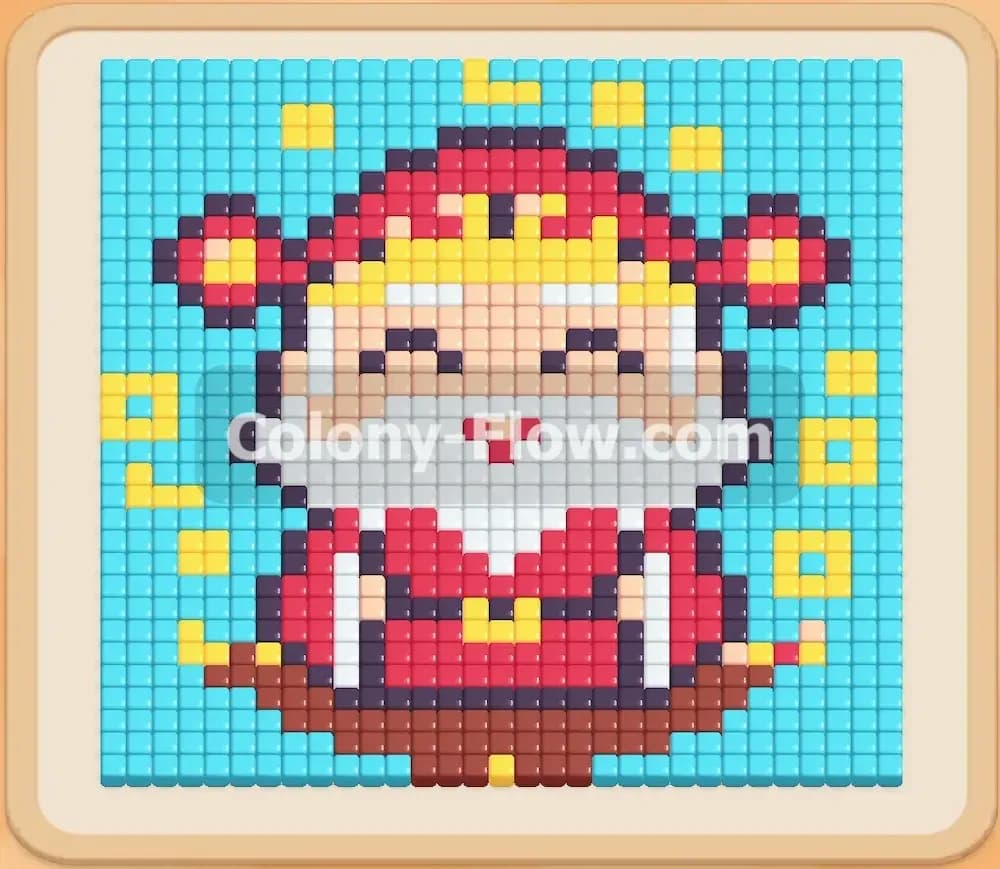
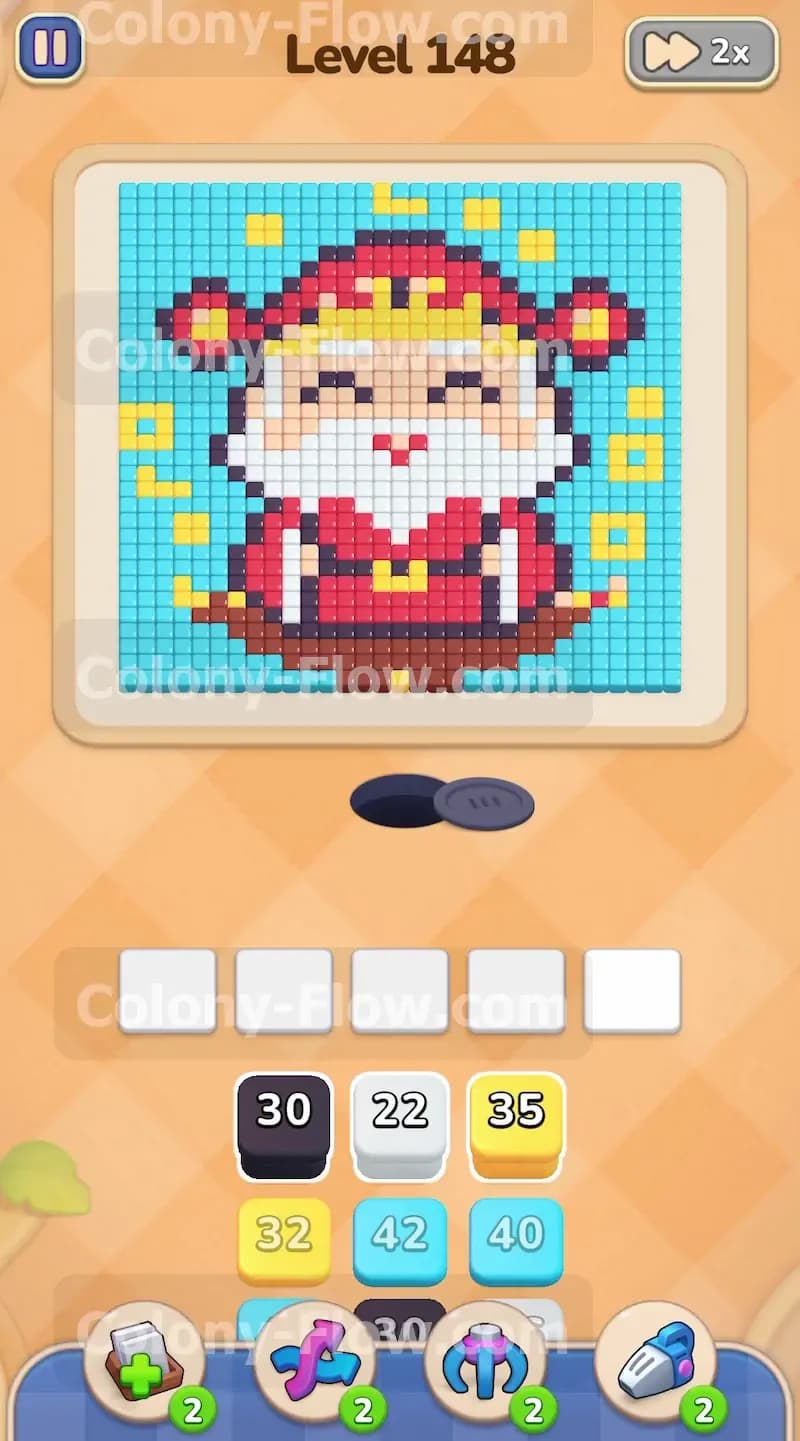
The picture is a colorful pixel art portrait of a smiling bearded man dressed in red clothing. He stands on a dark brown base and has thick black outlines separating all the different colors in his design. Floating yellow shapes sit around him and look like little coins or stars. A solid light blue background fills the rest of the frame and covers a massive amount of the board. Your tray at the bottom of the screen holds blocks in light blue, yellow, black, white, red, and brown. The numbers on these blocks are large with many thirties and forties showing. You have five waiting slots to manage just above the tray. There are no special hidden boxes or locks in this puzzle. This is a pure pathing puzzle where you must peel back the layers from the outside in.
What It Takes to Clear Level 148 Board
Clearing this level means completely removing the huge light blue background first to open access to the character in the middle. You will then work your way from the bottom edge up to the top. The ants will need to eat the brown base, the red outfit, the white beard, and finally the face and hat. You win the game when every single pixel is eaten by the ants and your tray is completely empty. The main danger here is pulling blocks for the inner colors before the ants can actually reach those specific pixels. If you fill all five waiting slots with colors the ants cannot access, you lose the level instantly. You must keep a steady flow of the correct colors moving at all times.
Colony Flow Level 148 Step by Step Solution
Step 1: Start by targeting the floating yellow shapes
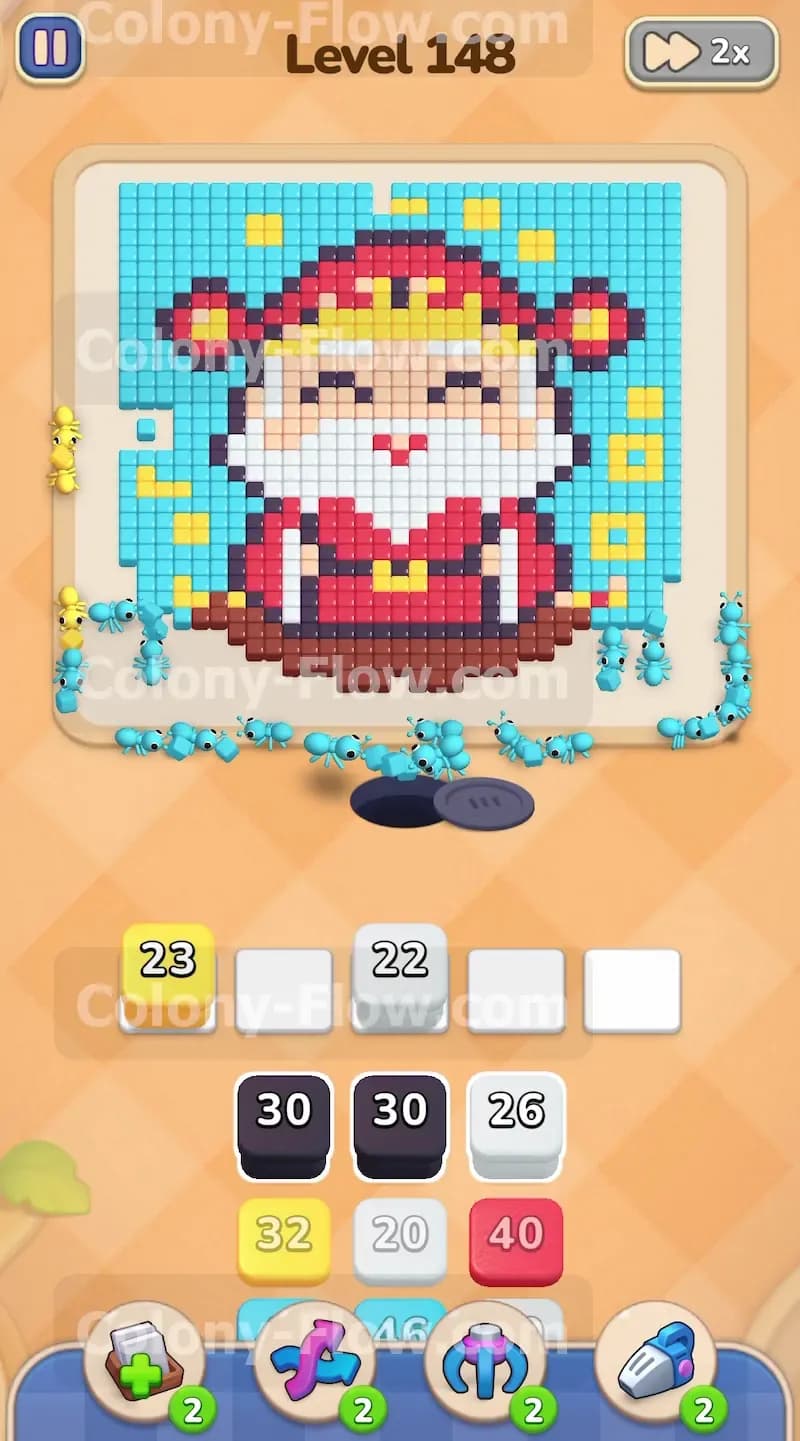
The very first thing you want to do is pull a yellow block into your waiting slots. The yellow shapes float freely near the bottom edges of the picture. The ants coming from the hole at the bottom of the screen have a clear and immediate path to reach these lower yellow pixels. Sending yellow ants out early clears these detached pieces so they do not block your progress later on. You will notice the yellow ants immediately start chipping away at the floating details on the left and right sides. Keep an eye on the numbers on your yellow block as they count down. The block will disappear from the slot once the number reaches zero.
Step 2: Pull light blue blocks to eat away the background
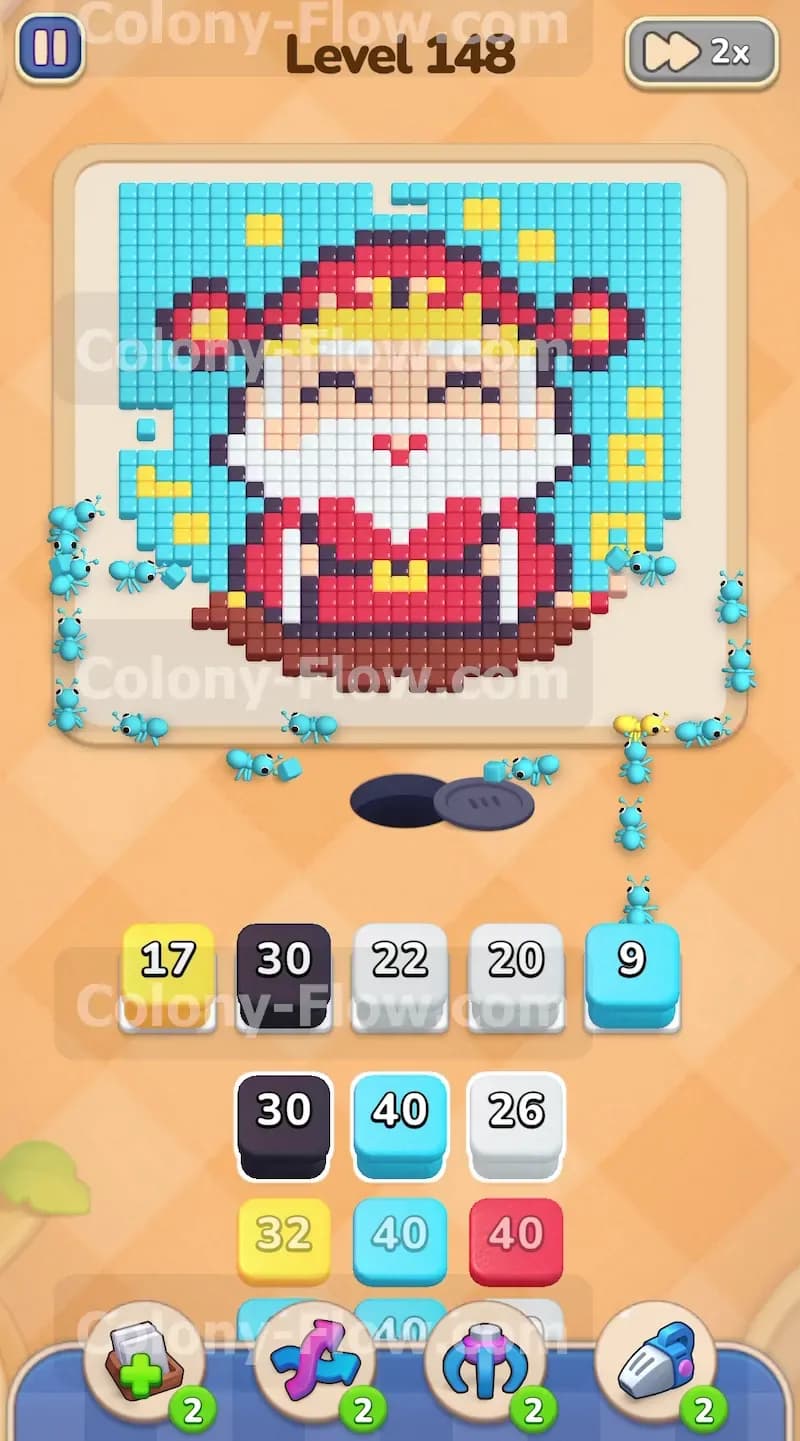
While the yellow ants work on the outer edges, the next logical target is the massive light blue background. This color surrounds the entire character and acts as a huge barrier blocking all the inner details. Pull a large light blue block into your waiting slots. The ants will flood out of the nest and begin clearing the bottom left and bottom right corners of the blue background. This step is highly important because opening the bottom edges gives your ants a straight path to the actual character in the middle. You can safely pull a second light blue block into the waiting slots if your first one runs out of numbers quickly. The background requires a massive amount of light blue ants to fully clear away.
Step 3: Keep the slots flowing with black and brown blocks
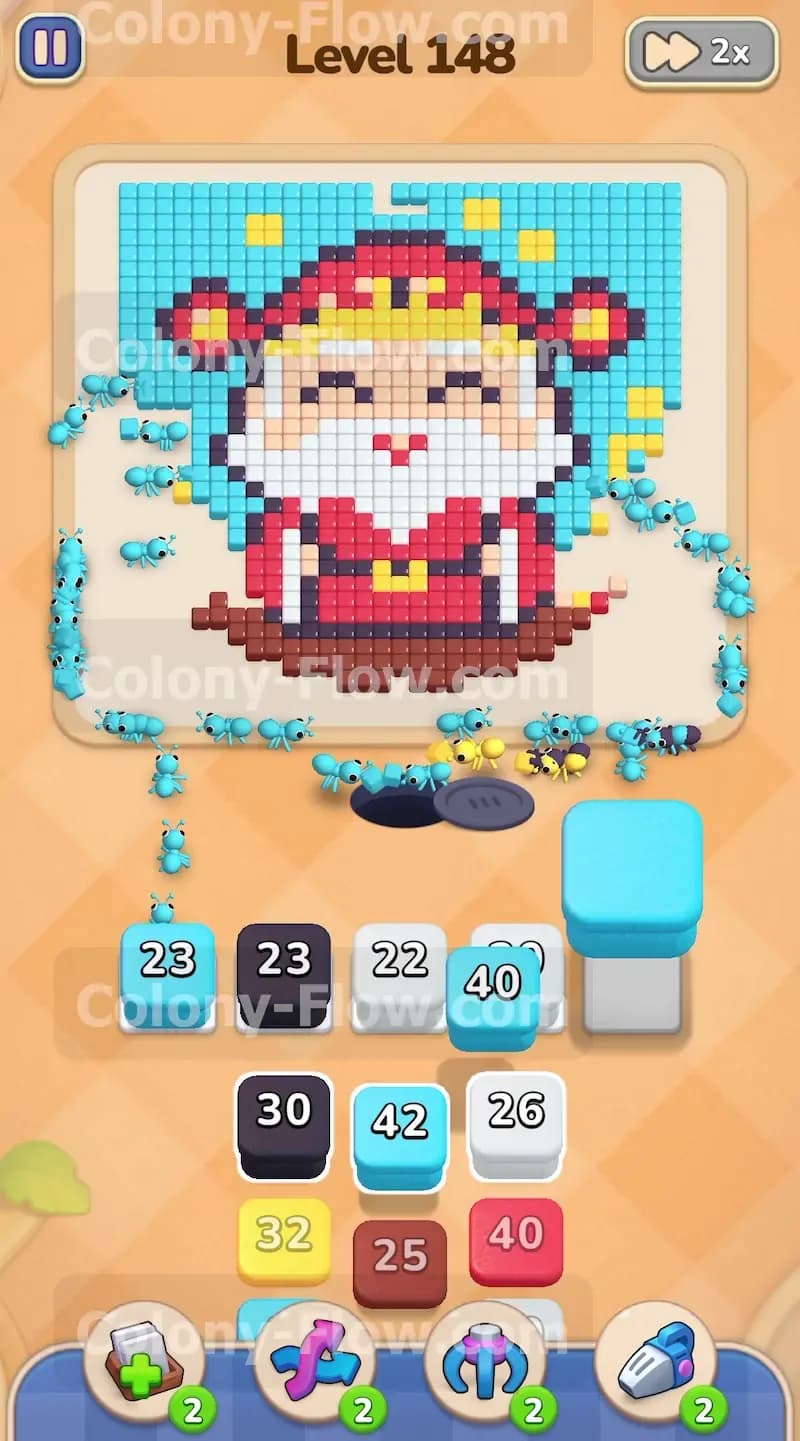
As the bottom sections of the light blue background disappear, the very bottom of the character becomes exposed to the swarming ants. You will see a dark brown base and some black outline pixels separating the base from the clothing. Now is the perfect time to pull a black block and a brown block into your waiting slots. The black ants will start eating the outlines near the bottom edge. The brown ants will march directly to the center to take care of the brown base. By mixing black and brown into the slots alongside your light blue blocks, you ensure that multiple colors of ants work at the exact same time. This keeps your waiting slots from jamming and keeps the board highly active.
Step 4: Bring in the white blocks for the large beard
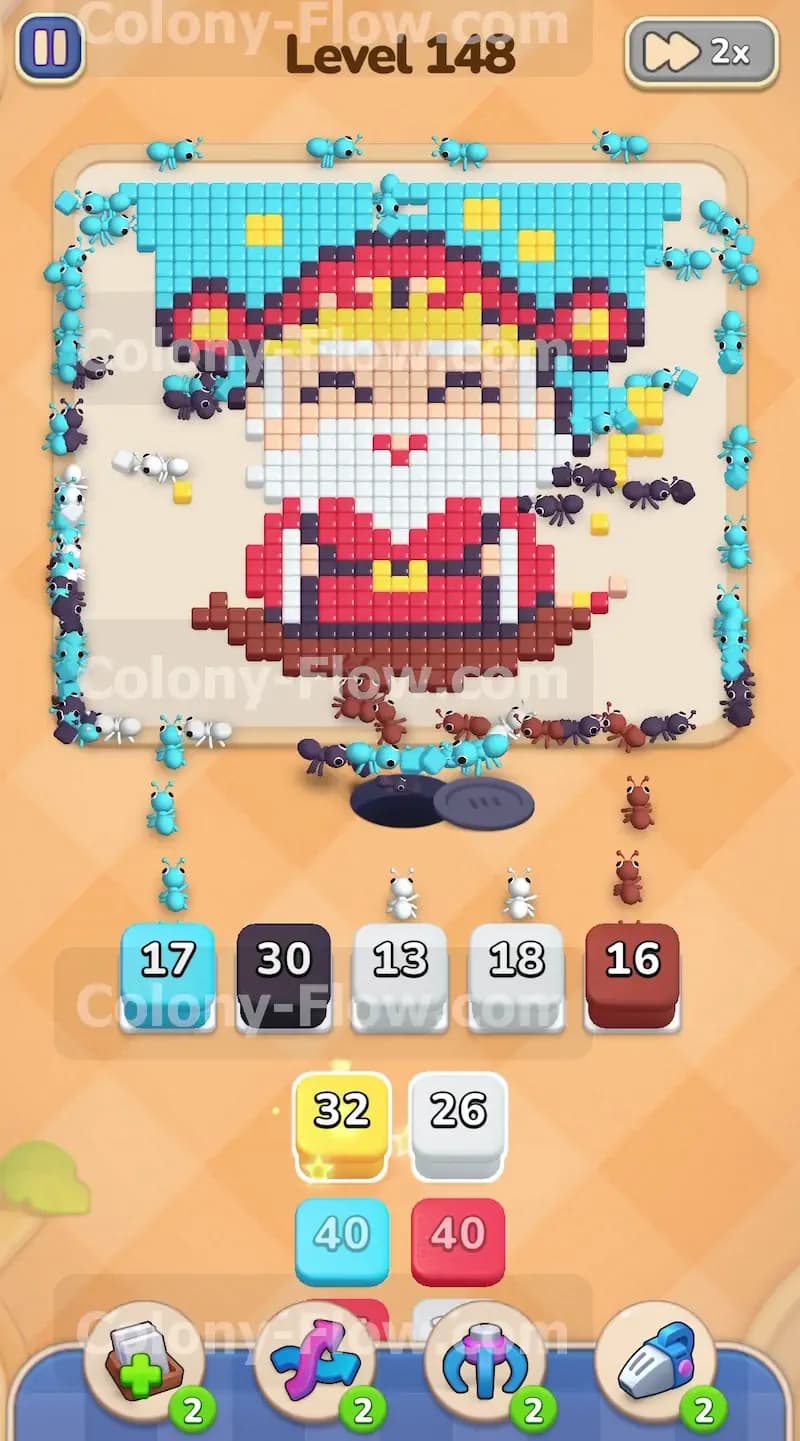
Once the bottom brown base is mostly gone, the bright white beard of the character is completely exposed to the ants coming from the nest hole. Pull a white block into your waiting slots. Any white blocks you pulled earlier by mistake will finally activate now. The white ants will swarm up the middle path and rapidly consume the large white beard covering the chest. At this point your screen will be very active and fun to watch. You will have light blue ants working on the outside edges, black ants eating the outlines, and a massive swarm of white ants hollowing out the center of the character.
Step 5: Introduce red blocks to clear the heavy clothing
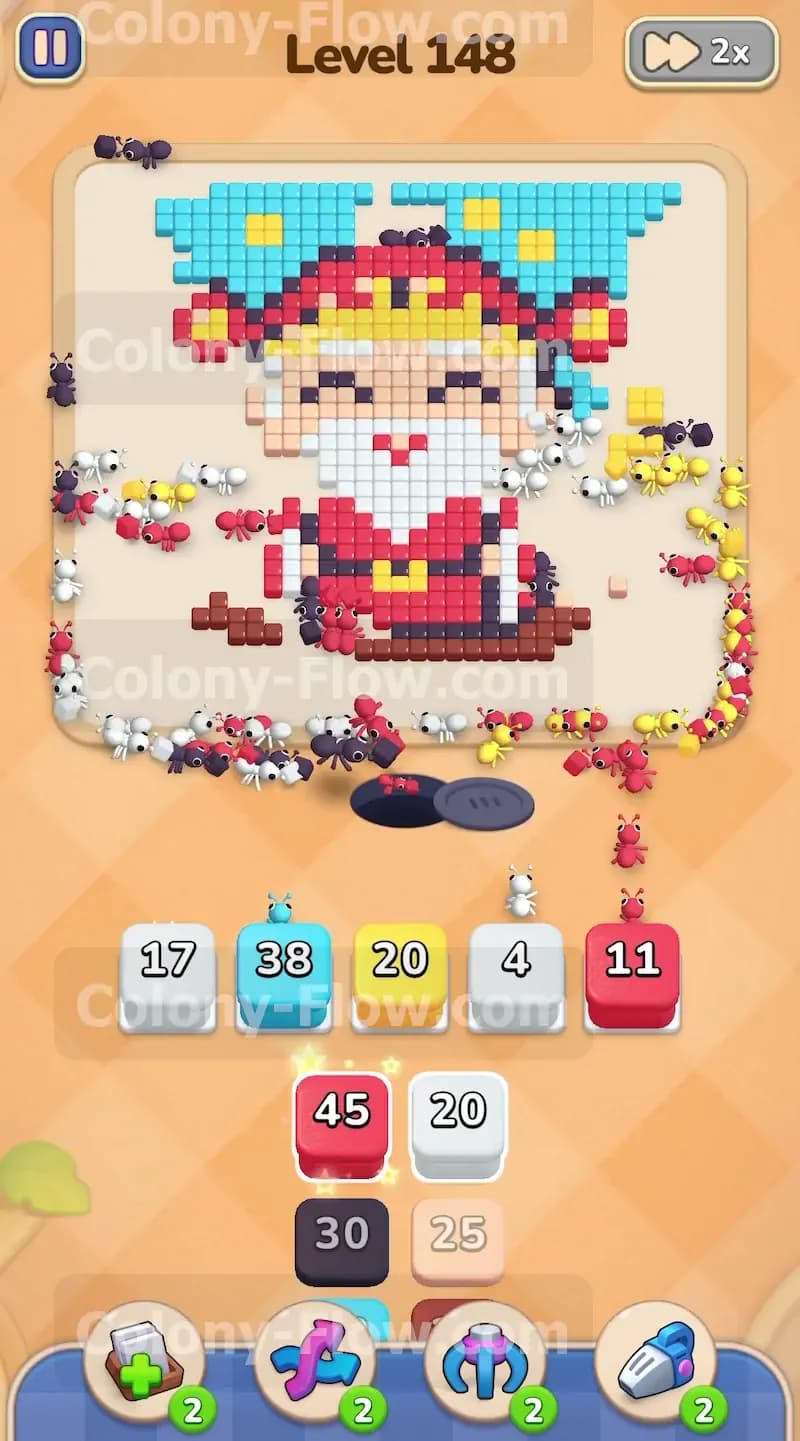
With the white beard disappearing and the lower black outlines totally gone, the red clothing on the left and right sides of the character is ready to be cleared. Pull a large red block into your tray slots. The red ants will march straight into the gaps left by the white and black ants to eat the red suit. You want to make sure you do not pull the red blocks too early in the level. If you pulled a red block before the brown base and the black outlines were cleared, the red block would sit idle in your waiting slots taking up valuable space. Timing your red pull is very important to keep the slots open and the ants moving.
Step 6: Clear the upper yellow and light blue sections
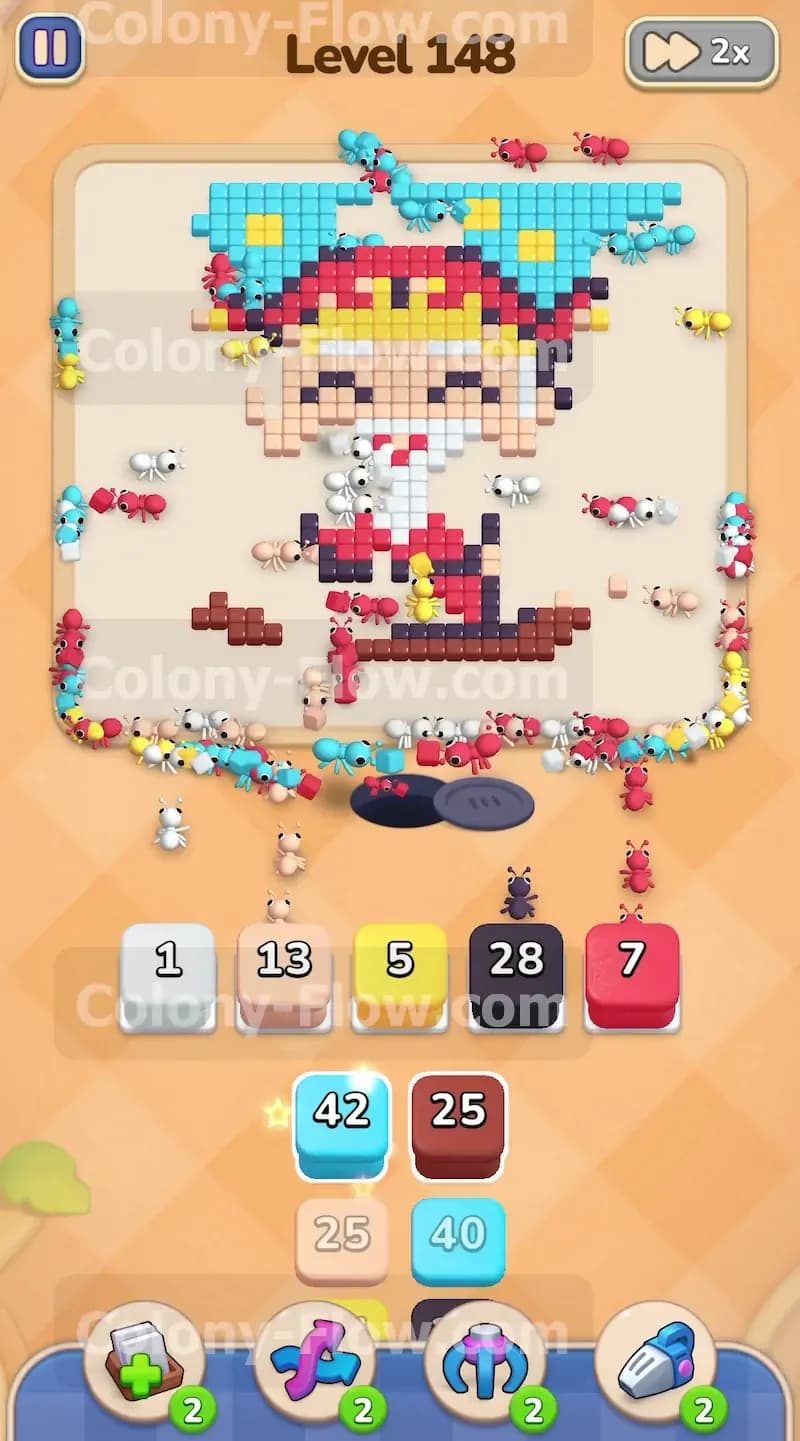
As the lower half of the character is completely removed, the ants push much higher up the board. The upper light blue background and the yellow details on the headpiece are now fully accessible to the colony. Pull more light blue and yellow blocks from the tray to keep the ants moving upward. The top corners of the blue background will disappear as the ants eat them. The yellow ants will finish off the golden details on the red hat. Always watch the board to confirm the ants have an open route before pulling a new color into your limited waiting slots.
Step 7: Finish with the beige face and the final black outlines
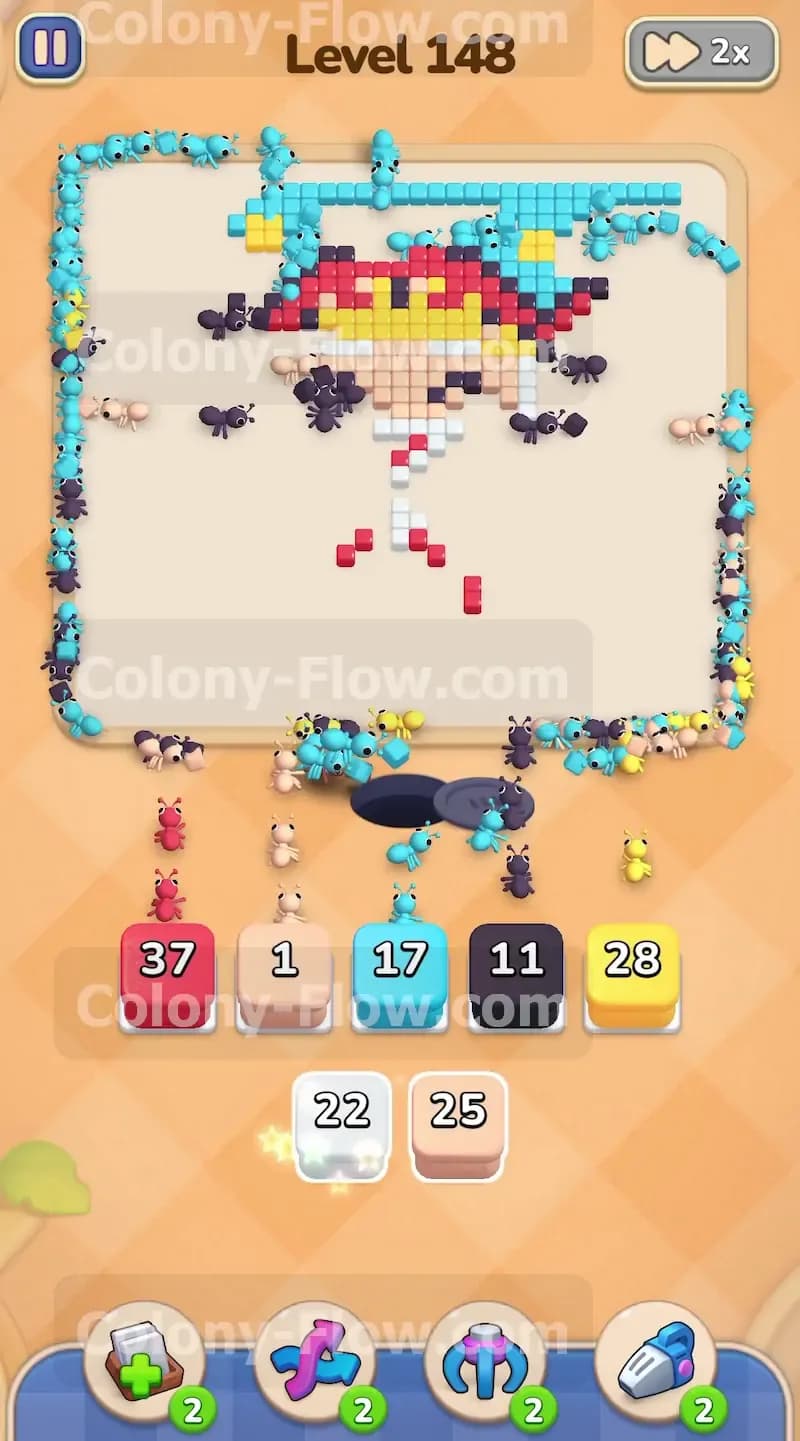
The last remaining sections on the board are the beige face, the top red sections of the hat, and the final black outlines holding everything together. Pull the beige blocks into your waiting slots. The ants clear the face very quickly since it is a small and solid block of color located right in the middle. Pull the remaining red and black blocks to finish off the hat and the facial features like the eyes and the mouth. The last few light blue ants will clear the very top row of the background and the level will be entirely complete.
Final Thought
Level 148 is a great exercise in patience and careful layer management. As long as you focus on clearing the massive light blue background first and work your way steadily up from the bottom edge, you will never run out of waiting slots. Make sure to let the ants finish their current colors before pulling blocks for the inner sections of the character. Feel free to watch the video above this article if any step is hard to follow in text.