Colony Flow Level 624 Walkthrough Solution & Guides | How to solve Colony Flow 624

Guide By Liam Stone
Updated on August 8, 2026
You can follow along with the video above for the complete Level 624 solution instead of reading below.
Video doesn't match your screen?
Game updates frequently scramble layouts! Try our AI Screenshot Solver first to find your exact board instantly, or report broken guides to our team.
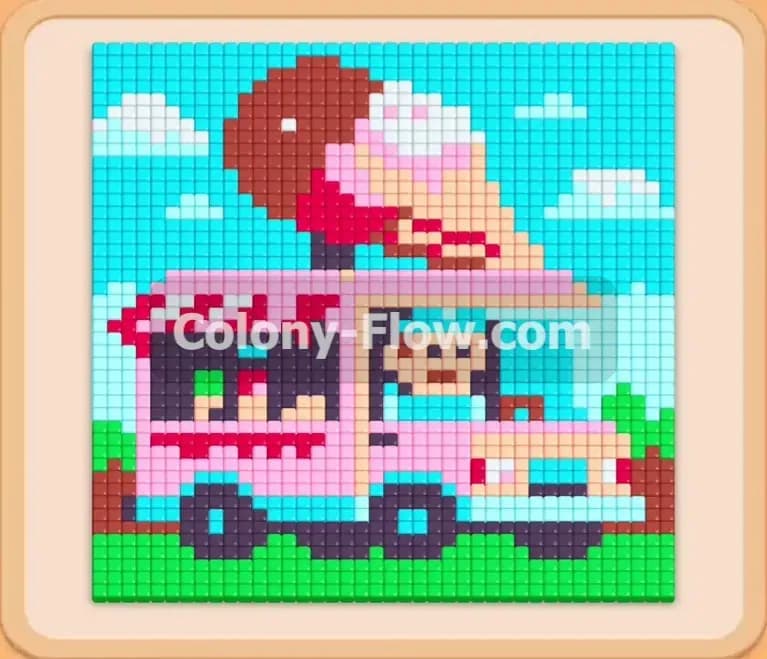
Colony Flow Level 624 presents a fun pixel art picture of an ice cream truck. You have a large board to clear with a nice mix of sky grass and the truck itself. I will walk you through the exact moves to solve this puzzle without getting stuck.
Colony Flow Level 624 Overview
What You Are Working With
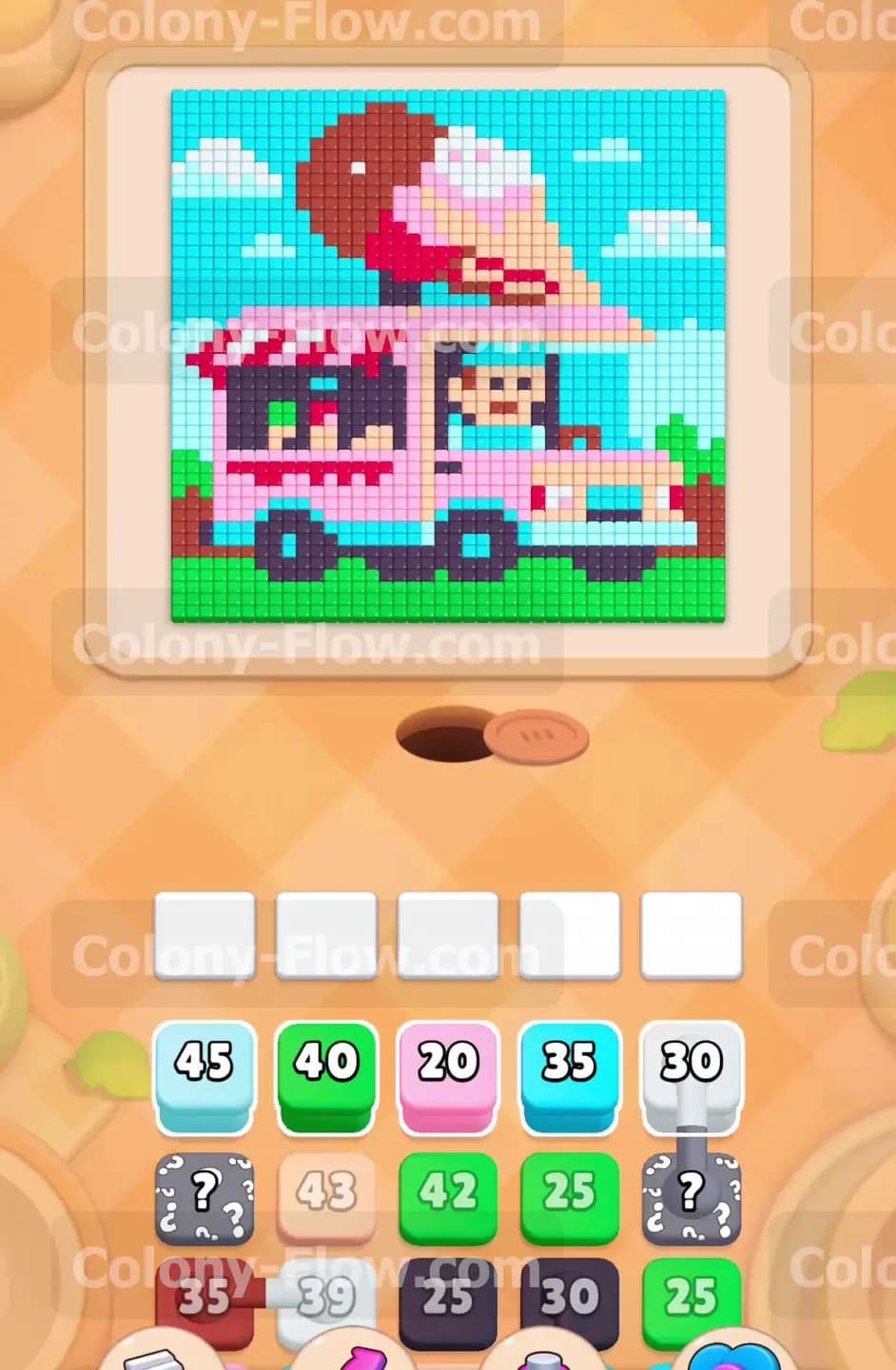
The picture on the board shows a bright pink ice cream truck parked on green grass. A massive ice cream cone sits proudly on the roof of the truck. The background consists of a large solid block of cyan sky with a few white clouds floating around. Down in the tray at the bottom of the screen you have several rows of colored blocks waiting for your commands. You will see standard colored blocks containing numbers that indicate how many ants they hold. You will also deal with connected boxes that are linked together by a line and must be pulled as a group. Additionally there are hidden boxes featuring question marks. These hidden boxes keep their color a secret until the block directly above them is removed. The board starts with wide open paths along the outer edges of the sky and the grass.
What It Takes to Clear Level 624 Board
To achieve victory you must remove every single colored pixel from the ice cream truck picture. You do this by moving blocks from the bottom tray into the five empty waiting slots located just below the picture. The ants will spawn from the nest hole and travel along open paths to eat the pixels that match their color. You will lose the level if you fill all five waiting slots with blocks that have no clear path to their matching pixels. When the slots jam and the ants cannot move your game ends immediately. Your main strategy is to constantly peel away the outer layers of the picture to open new paths inward. You must manage the flow of ants so at least one color is always actively working and freeing up space in your waiting slots.
Colony Flow Level 624 Step by Step Solution
Step 1: Open the massive cyan sky border
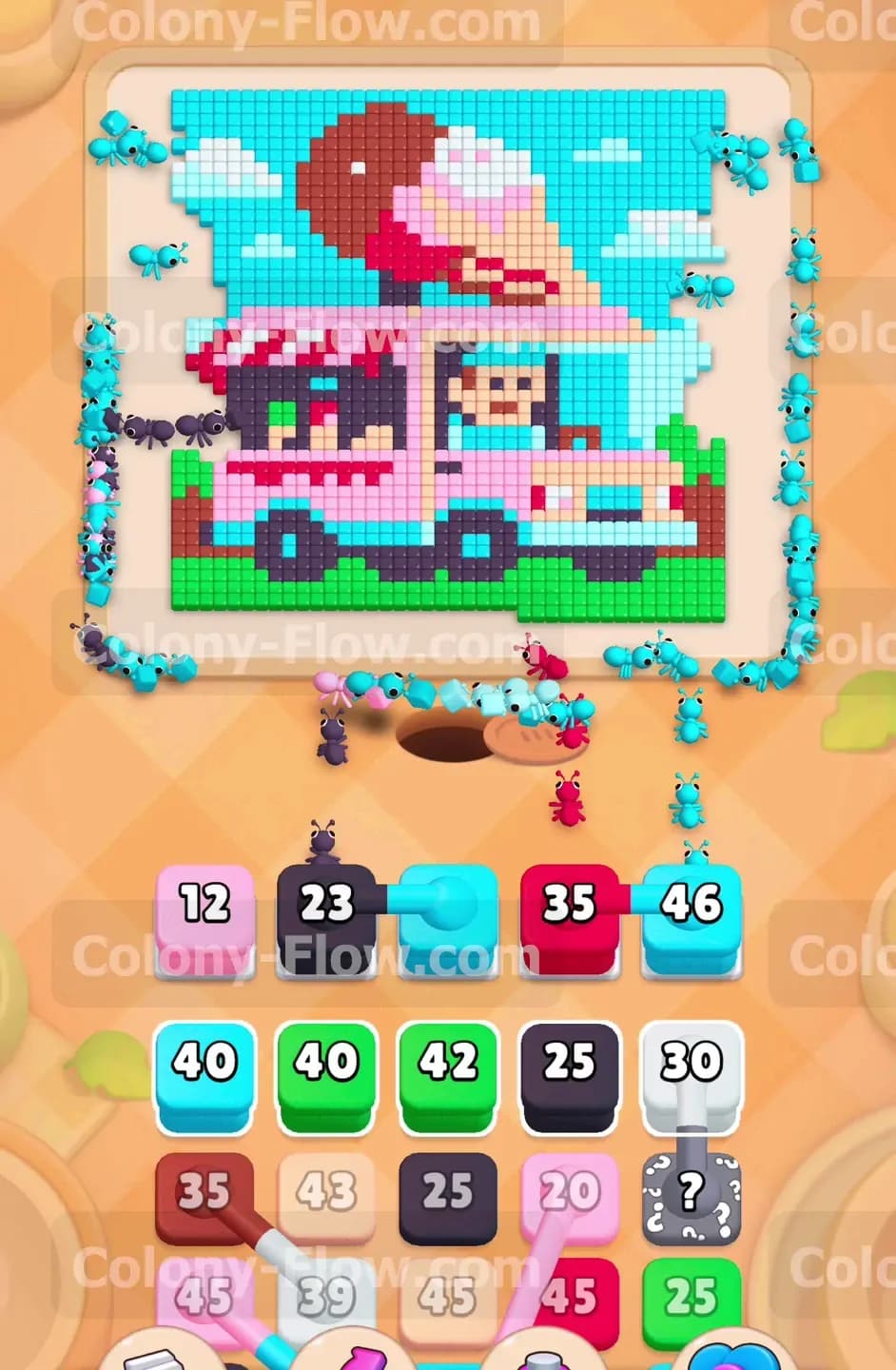
You begin by targeting the largest accessible area on the board to get the flow moving. The cyan sky surrounds the entire top and sides of the ice cream truck. You tap the Cyan 45 block to move it up into a waiting slot. The cyan ants instantly pour out of the nest hole and march up the extreme left and right sides of the board. They start chewing away the thick border of sky pixels. This is a very safe first move because the path is completely unobstructed. The slot will stay active for a while as the large number counts down slowly.
Step 2: Start clearing the green grass at the bottom
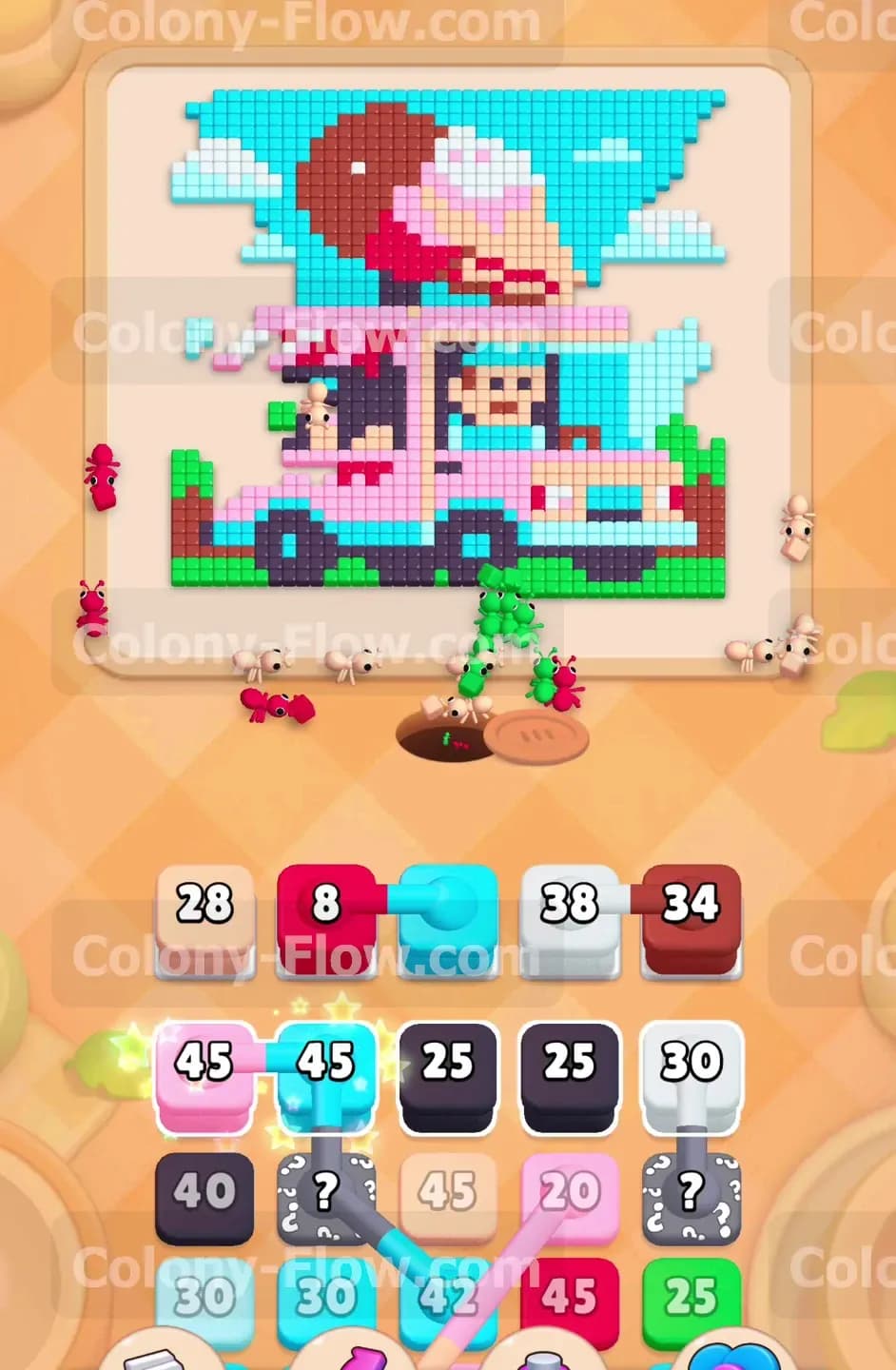
While the cyan ants are busy up high you need to open a second active path down low. You select the Green 40 block from the tray. Green ants emerge and head straight for the bottom of the picture. They begin eating the grass pixels located right above the nest hole. This creates a large empty space at the base of the board. By having both cyan and green ants working at the same time you ensure a steady flow of movement. You keep your waiting slots from backing up by choosing colors with immediate access to their targets.
Step 3: Expose the lower body of the truck
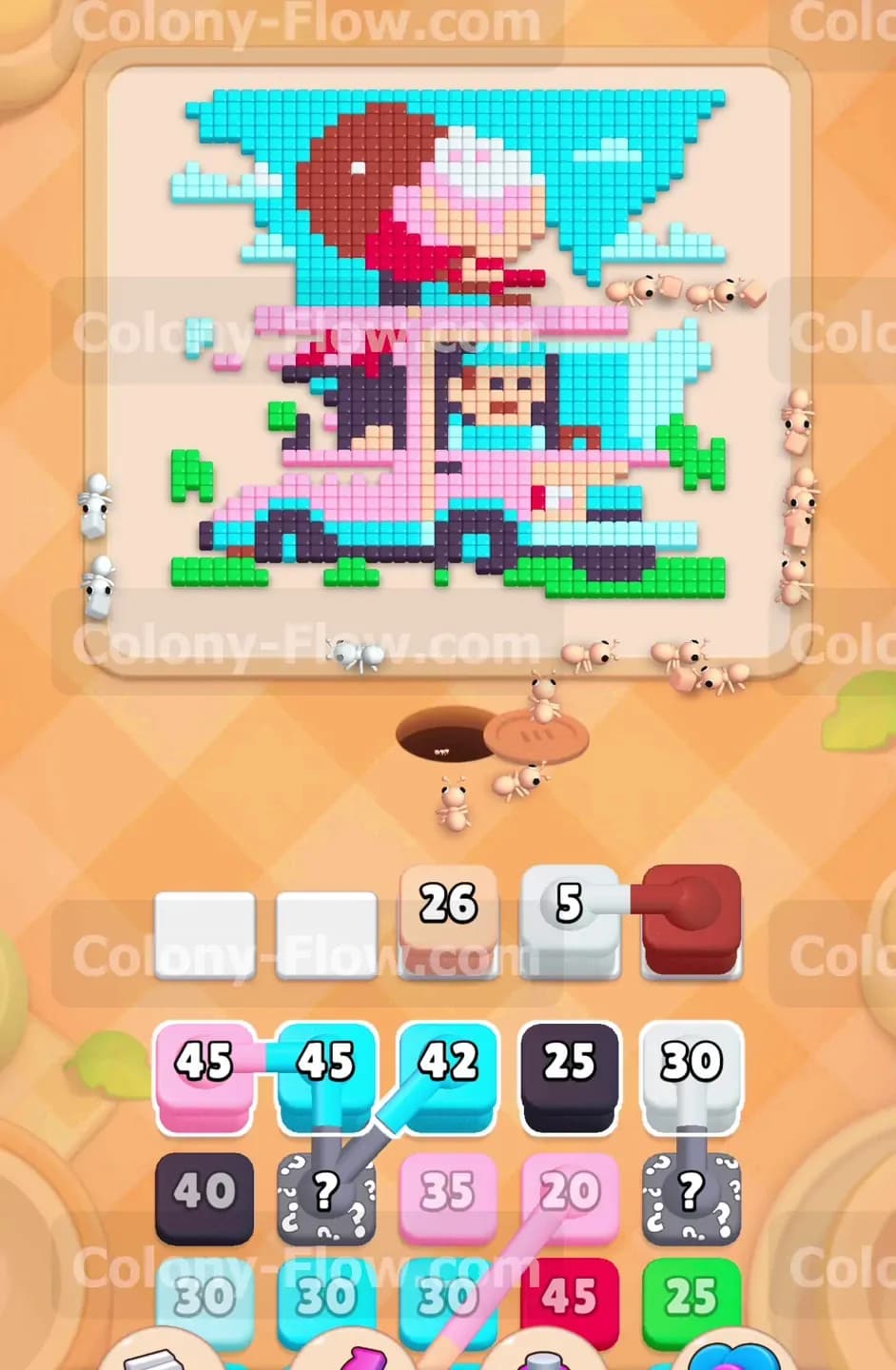
The green ants clear away enough grass to reveal the bottom edge of the ice cream truck. You now have a clear path to the pink pixels. You tap the Pink 20 block to send it to the waiting area. Pink ants march straight up the middle and begin devouring the lower panels of the truck body. They work right alongside the green ants. This breaks into the core of the picture and starts exposing the black tires. You are managing three active colors now and your slots remain perfectly safe.
Step 4: Keep the sky clearing momentum high
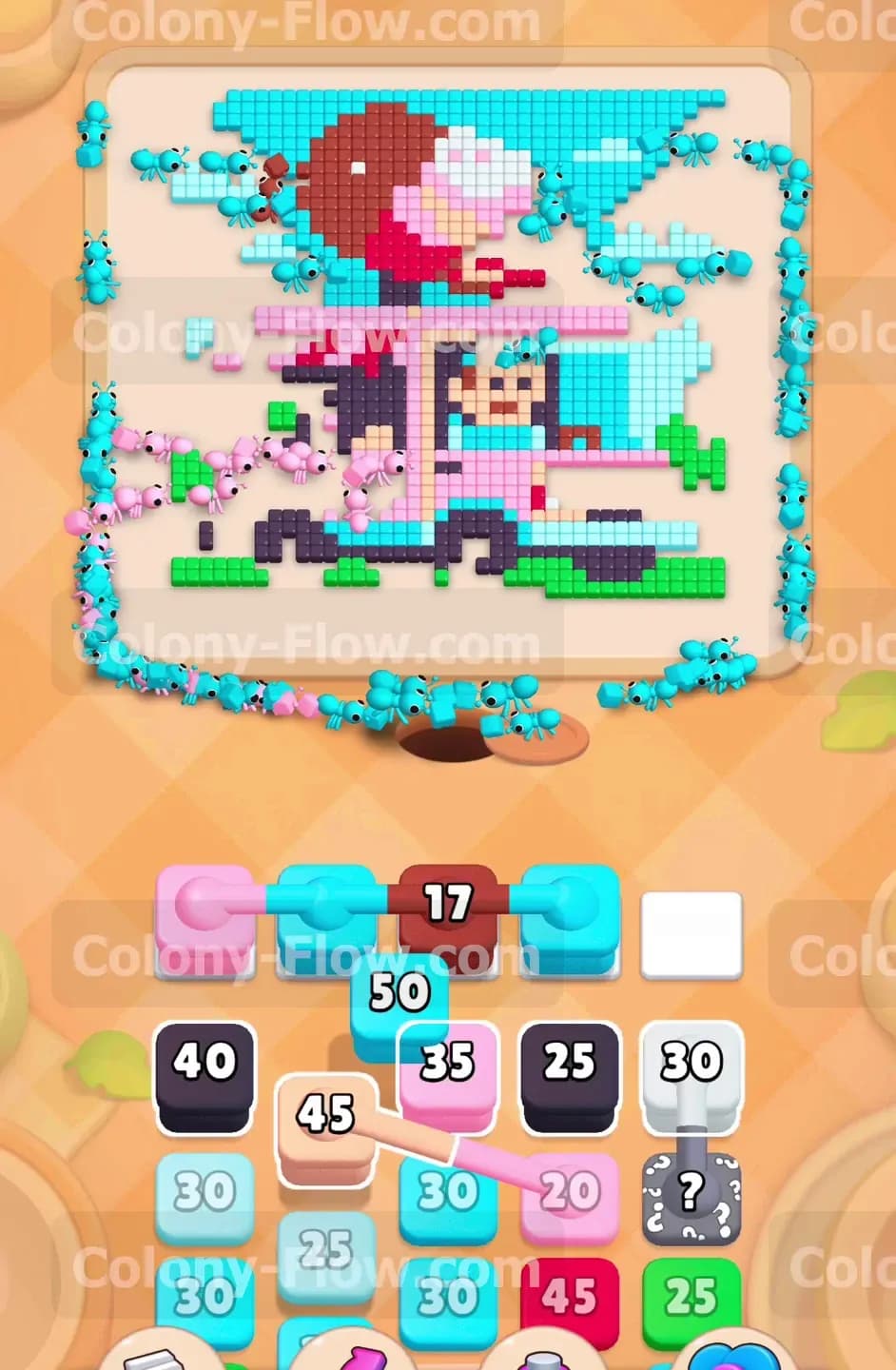
The cyan sky is huge and requires continuous pressure. You pull the Cyan 35 block into a slot to send a fresh wave of workers. These new cyan ants travel further up the sides and start closing in on the ice cream cone perched on the roof. Keeping a constant stream of cyan ants is a priority because it slowly removes the protective barrier around the top of the truck. Your board is steadily shrinking from the outside in. The waiting slots cycle smoothly as the blocks hit zero and vanish.
Step 5: Engage the white connected boxes
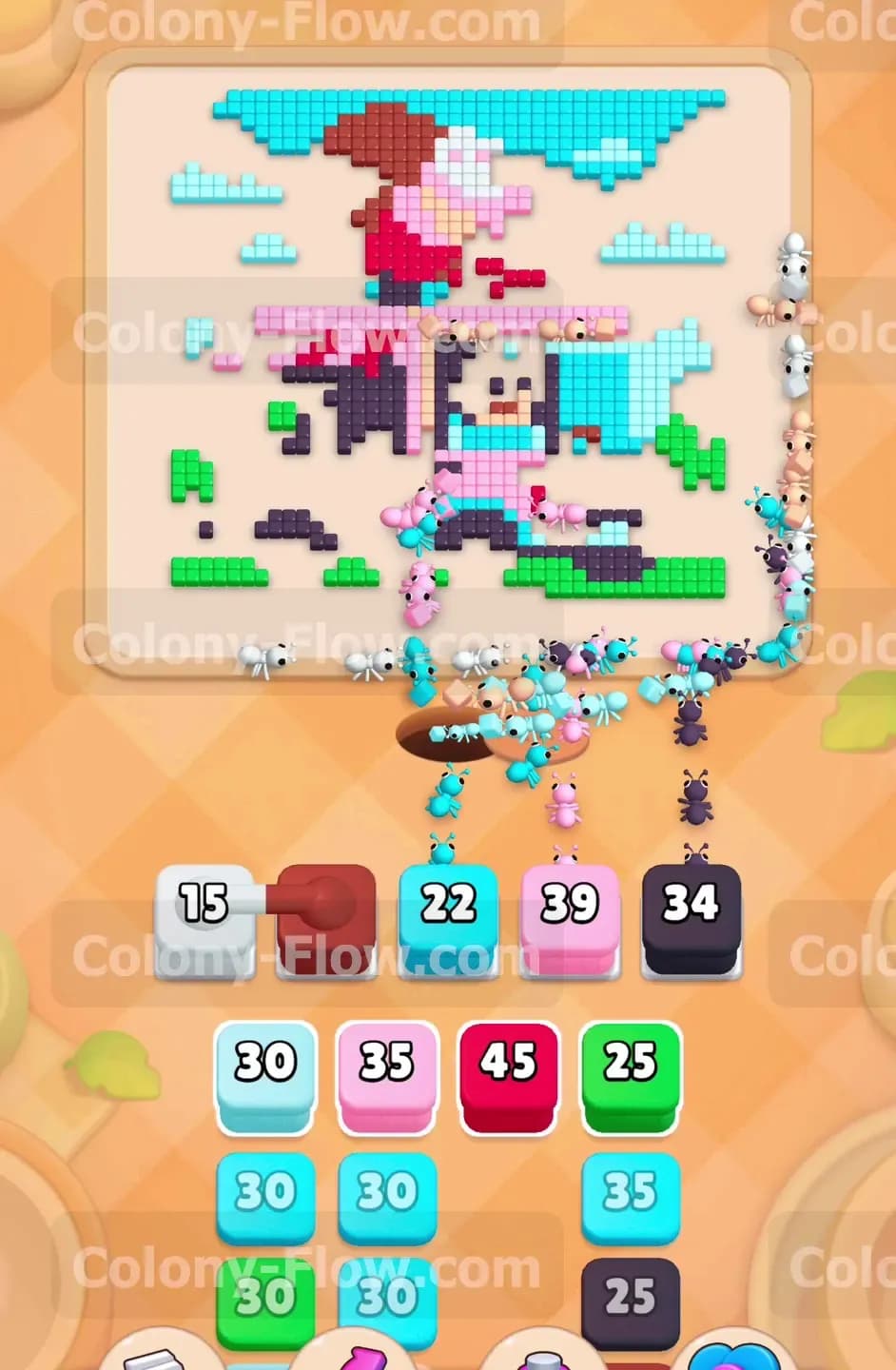
You spot a set of connected boxes in your tray that are ready to move. You pull the White 30 block which is permanently linked to the hidden box beneath it. Tapping the white block pulls both of them up into the slots at the same time. The hidden box immediately reveals its true color. White ants rush out to attack the puffy clouds in the sky and the white stripes on the truck awning. Connected boxes take up multiple slots so you must always verify that their paths are clear before you pull them. In this case the white path is wide open and the ants go straight to work.
Step 6: Attack the black tires and window details
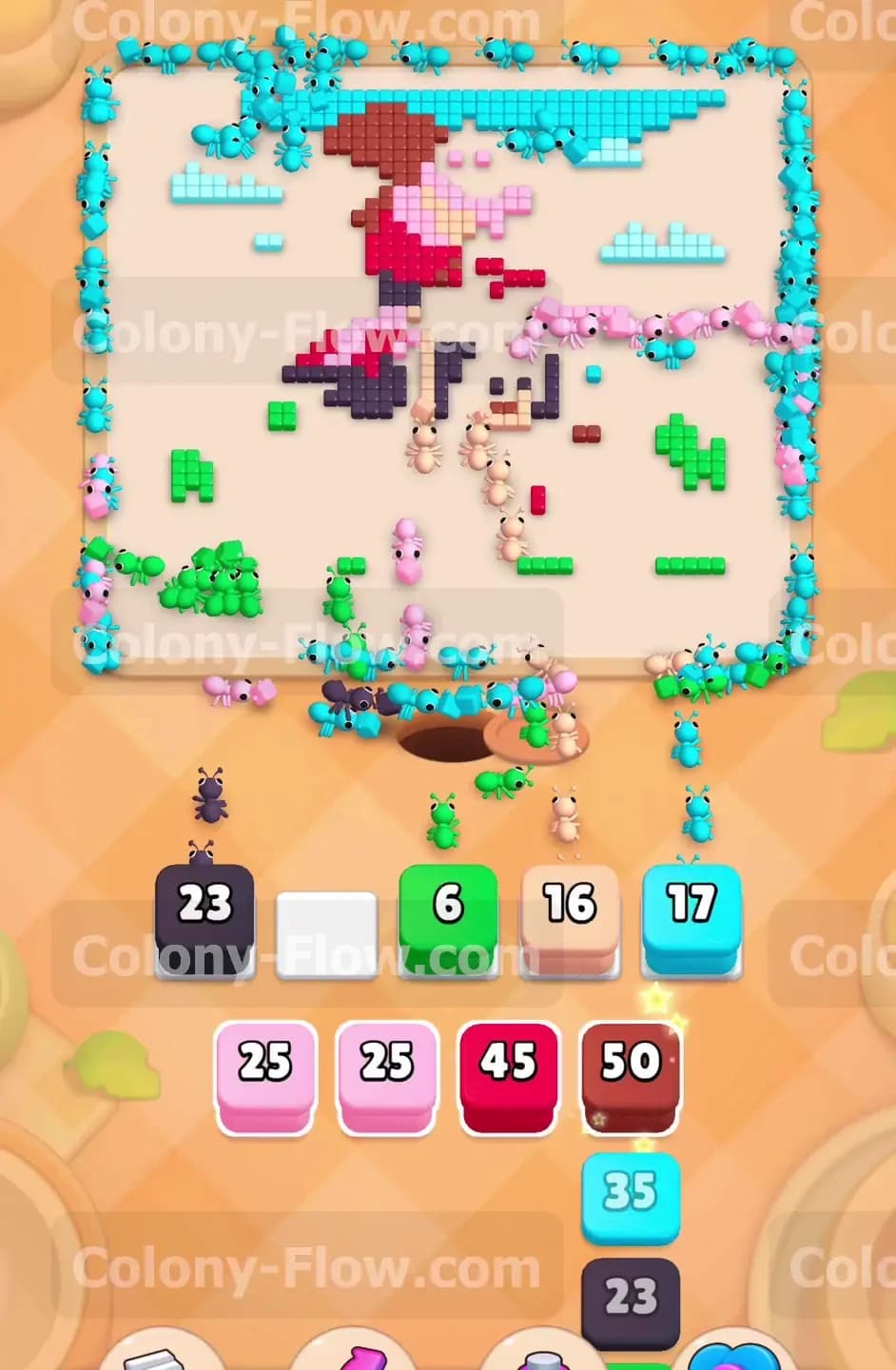
The bottom of the board is now mostly empty and the truck tires are completely exposed. You tap a Black 25 block and send it up. Black ants swarm the bottom area and quickly consume the round wheels. Another group of black ants climbs higher to clear out the dark window frames and the small structural details on the truck body. The black blocks empty out very rapidly because the path is short and the targets are scattered everywhere. This quick turnaround frees up a waiting slot almost instantly.
Step 7: Clear the driver and the crispy cone
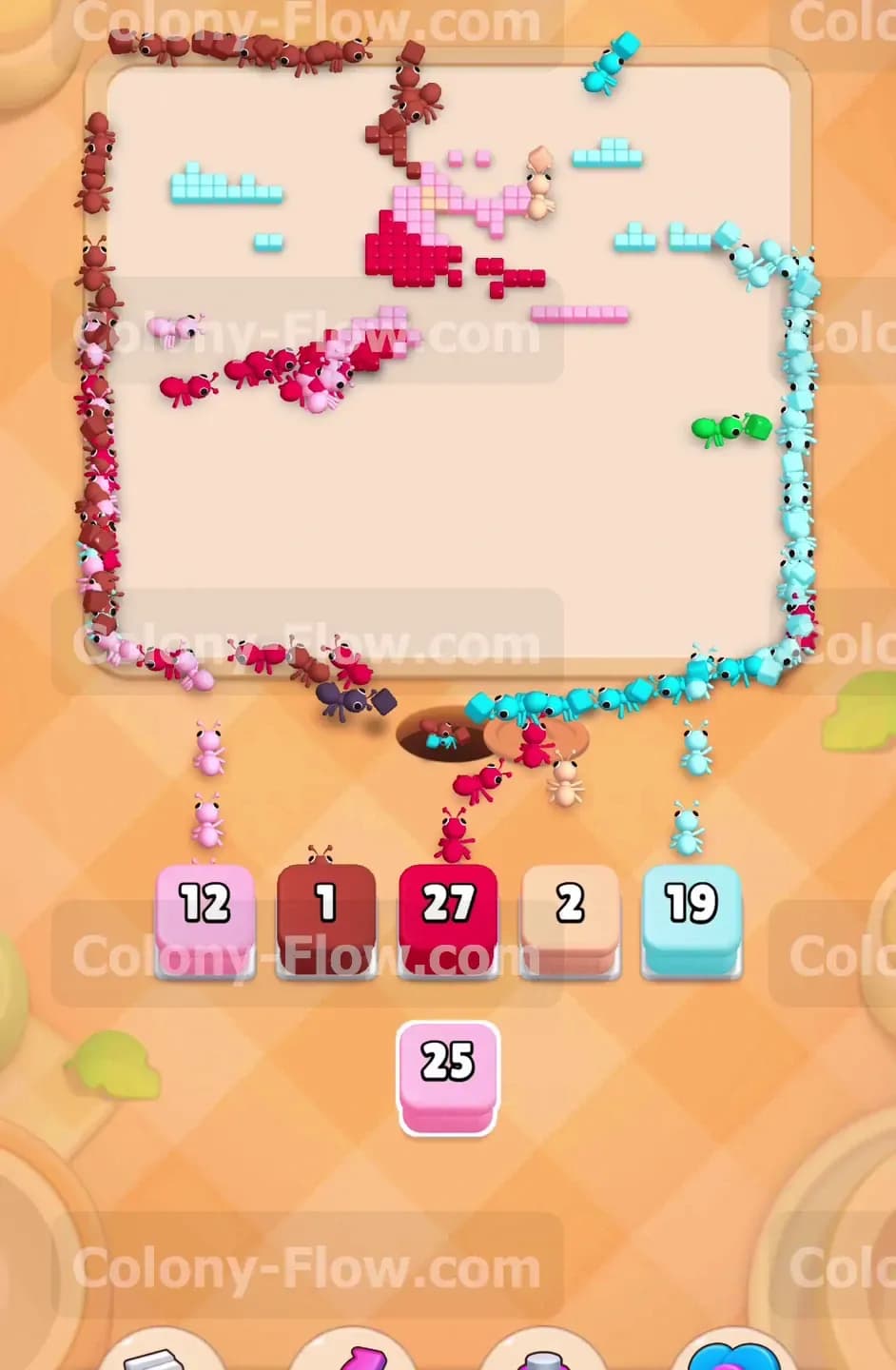
The middle of the picture contains a lot of tan pixels making up the driver and the ice cream cone. You move the Tan 43 block into a waiting slot. The tan ants march into the center of the board. One group clears the happy face of the driver sitting inside the cab. A second group travels all the way to the roof to start eating the waffle texture of the large cone. This splits your forces effectively and clears out a massive chunk of the interior picture. You are maintaining excellent board control by working from multiple angles.
Step 8: Remove the dark red awning and scoop
The truck features a dark red striped awning and a matching dark red scoop of ice cream on top. You pull the Dark Red 35 block to activate the next wave. The ants travel to the side of the truck to eat the awning pixels. They also climb the roof to take a bite out of the giant dessert. The picture is now looking very fragmented. The truck shape is breaking down and large empty spaces dominate the board. You are careful to never pull a block unless its matching color is exposed.
Step 9: Manage the newly revealed tray blocks
As you clear the top rows of the tray the hidden boxes below them flip over and show their colors. You find a new Green 42 block and a Pink 35 block waiting for you. You tap the green block to finish off the remaining patches of grass and the small bushes near the back tire. You then tap the pink block to send a massive swarm to eat the remaining pink body panels of the truck. Waiting for the hidden boxes to reveal themselves naturally is the smartest way to avoid a dead end. Your patience keeps the waiting slots moving smoothly.
Step 10: Unleash the massive connected cyan blocks
You have a large set of connected cyan blocks sitting in the tray. The outer sky is mostly gone so the cyan ants will now focus on the tight spaces around the truck roof. You tap the connected Cyan 45 blocks. A huge flood of cyan ants covers the board. They squeeze into the corners around the ice cream cone and wipe out the last remaining sky pixels. Pulling this connected group empties a significant portion of your tray. The board is now extremely bare and you are entering the final phase.
Step 11: Finish the remaining truck details
There are only a few scattered pieces of the truck left to handle. You pull a Pink 20 block and a White 20 block from the tray. The ants zip across the empty board and quickly clean up the lingering truck panels and the last bits of the awning. The paths are incredibly short now because the board is mostly blank. The blocks hit zero in a matter of seconds. You keep your eyes on the tray to plan your final moves.
Step 12: Perform the final board cleanup
Only the very top of the giant ice cream scoop and a few random details remain. You pull a Dark Red 34 block to finish the top scoop. You then grab a small Black 23 block to clear the steering wheel and the driver details. Finally you tap a tiny Cyan block to grab the last loose sky pixel. The final ants sprint to their targets and the picture disappears entirely. You win the level because you carefully managed the flow and never let the waiting slots fill up with trapped colors.
Final Thought
Level 624 is a great test of managing multiple colors across a large picture. You just have to balance the outer sky with the inner truck details to keep the ants moving. I highly recommend watching the video above this article if any step is hard to follow in text.